Adding Quantity
There is 2 way to add quantity for an item:
- Through direct tap on the card (the green one)
- Through the
+button on the order list
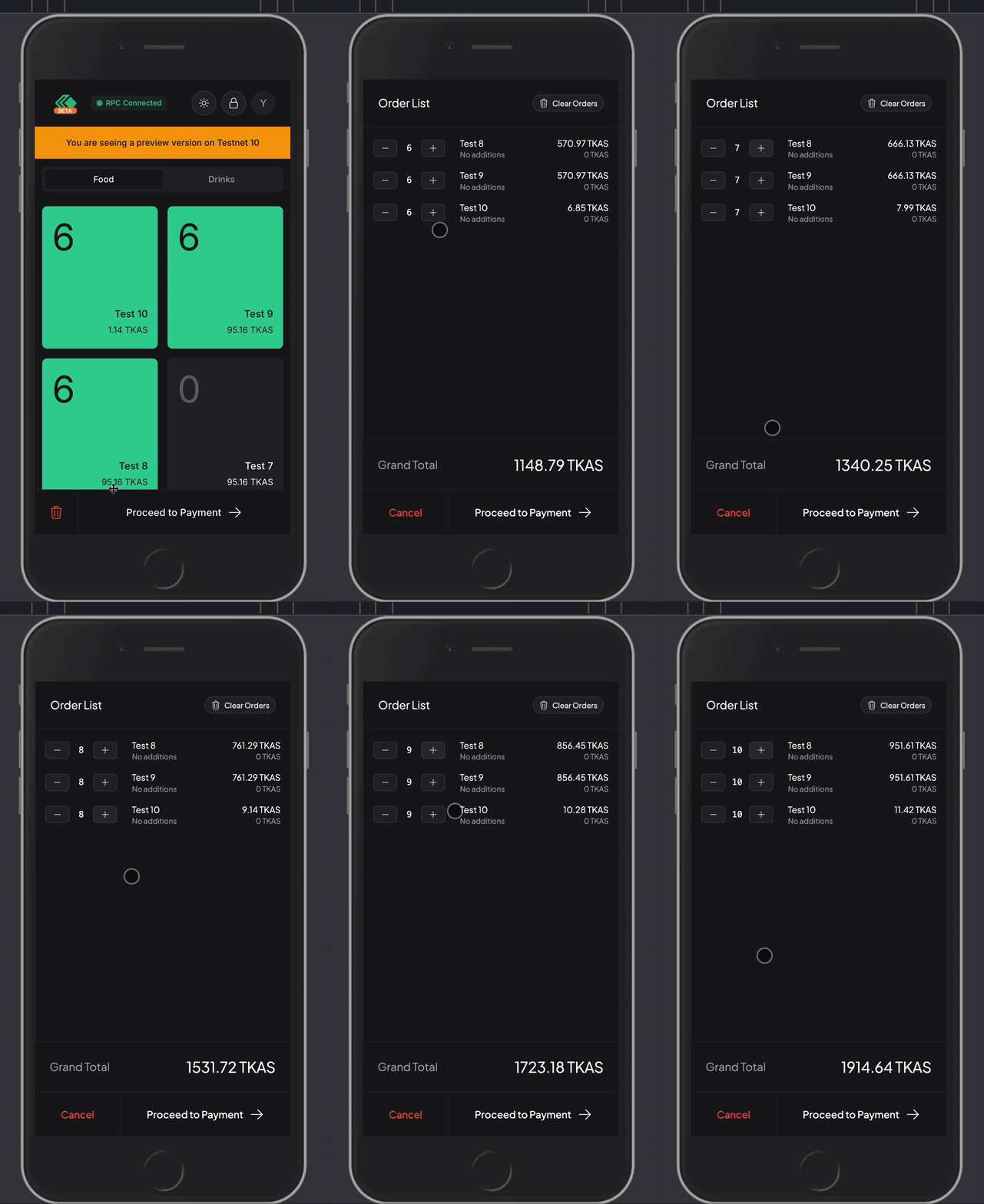
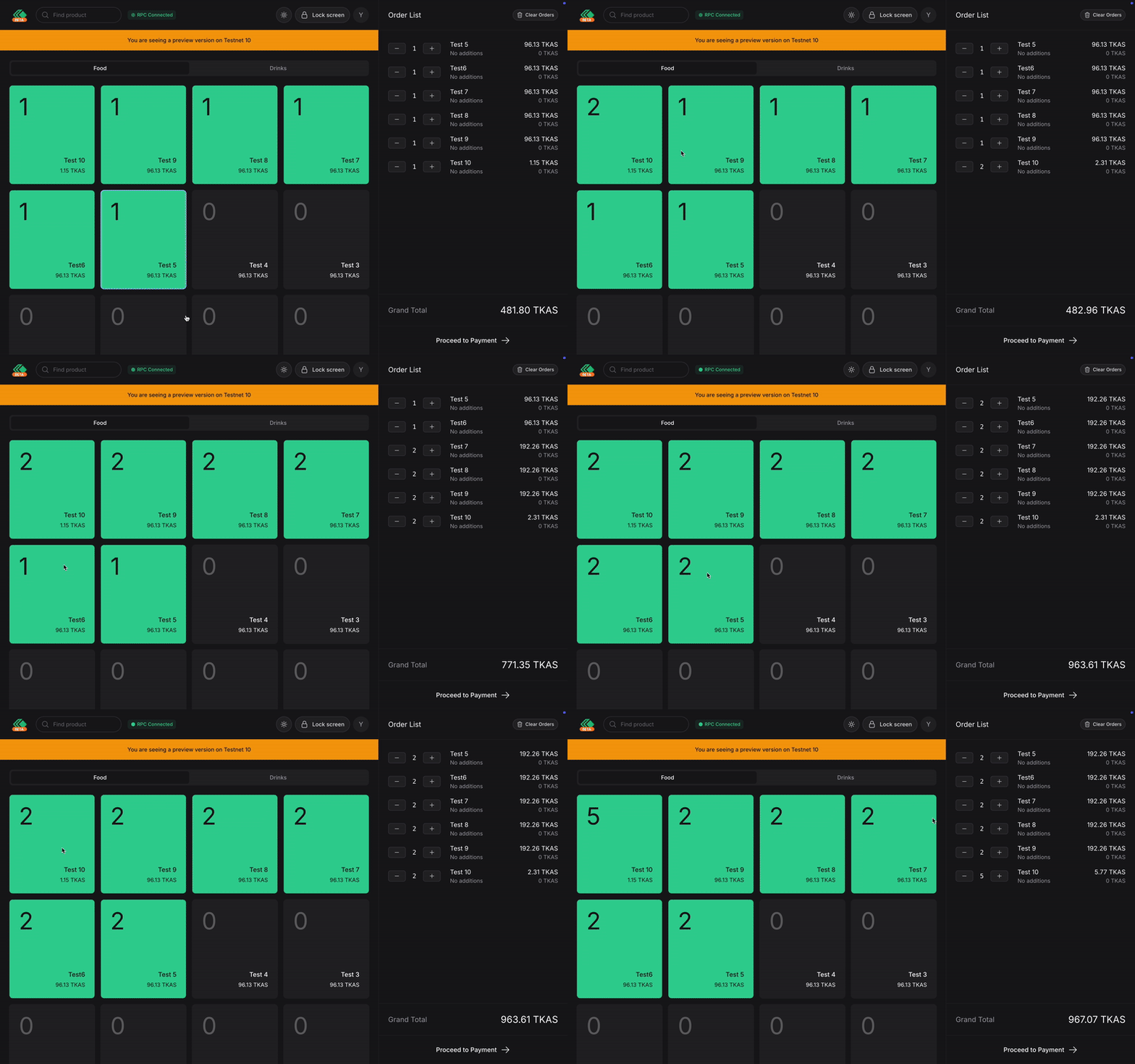
Through Direct Tap
On tablet and desktop, it should look like this.
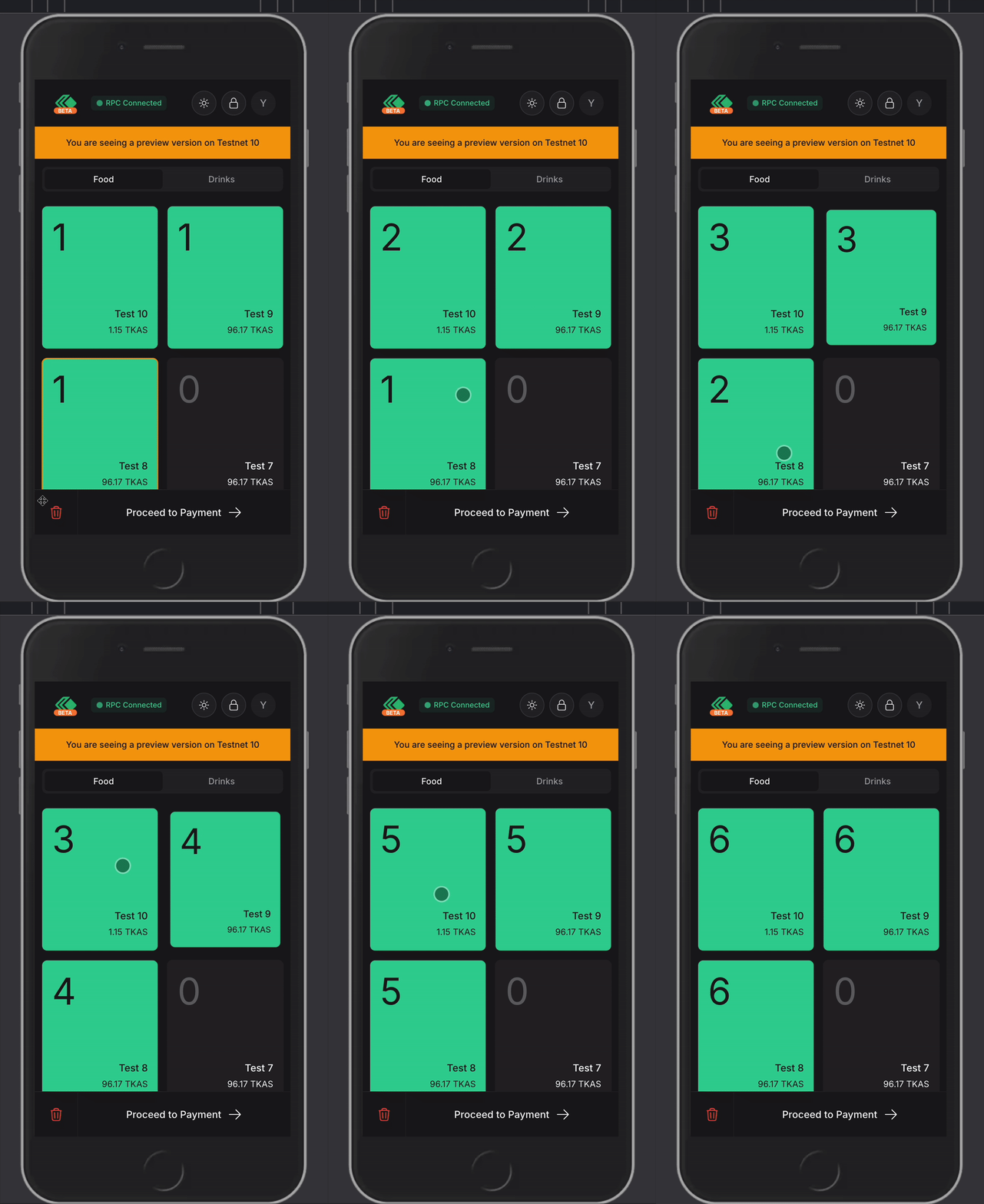
On mobile devices, it should look like this.
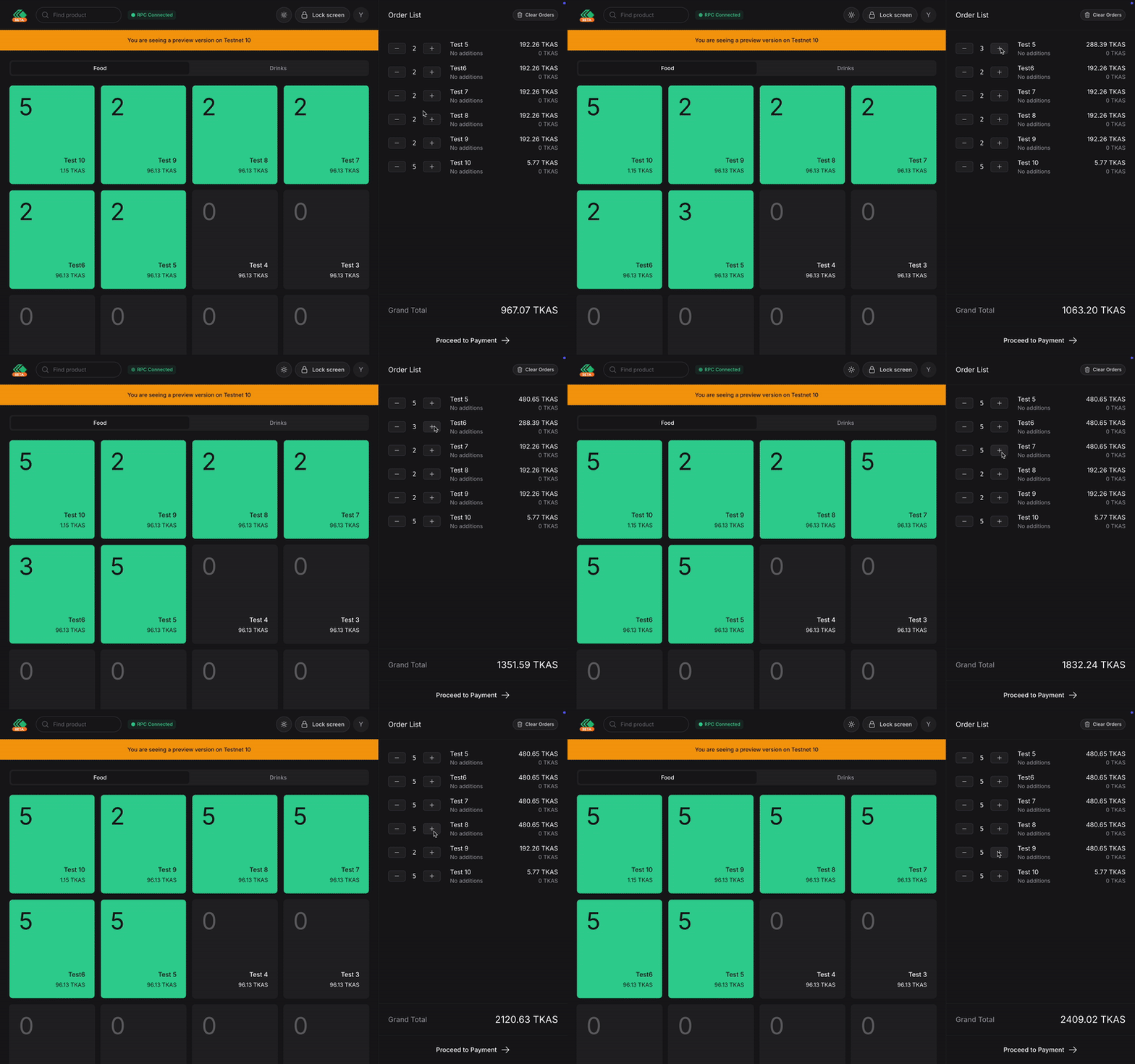
Through Order List
On tablet and desktop, it should look like this.
On mobile devices, it should look like this.