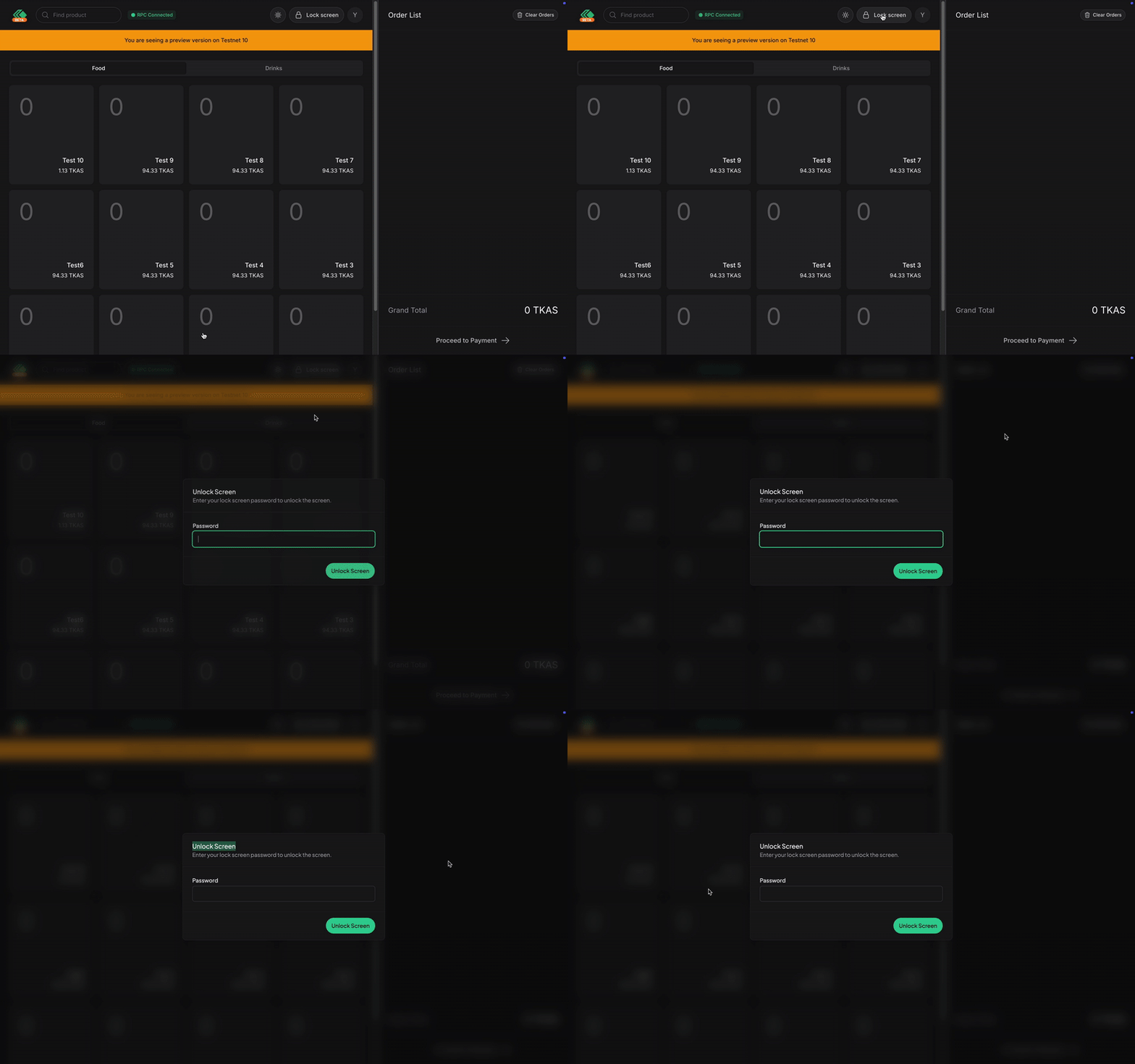
Locking Screen
To lock your screen press the Lock Screen button on top of your screen. On mobile device, it should be represented as a Lock icon.
WARNING
When locking your screen, you won't be able to use the cashier panel until you unlock it. Refreshing the page will automatically relock yourself. To unlock your screen, see Unlocking Screen.