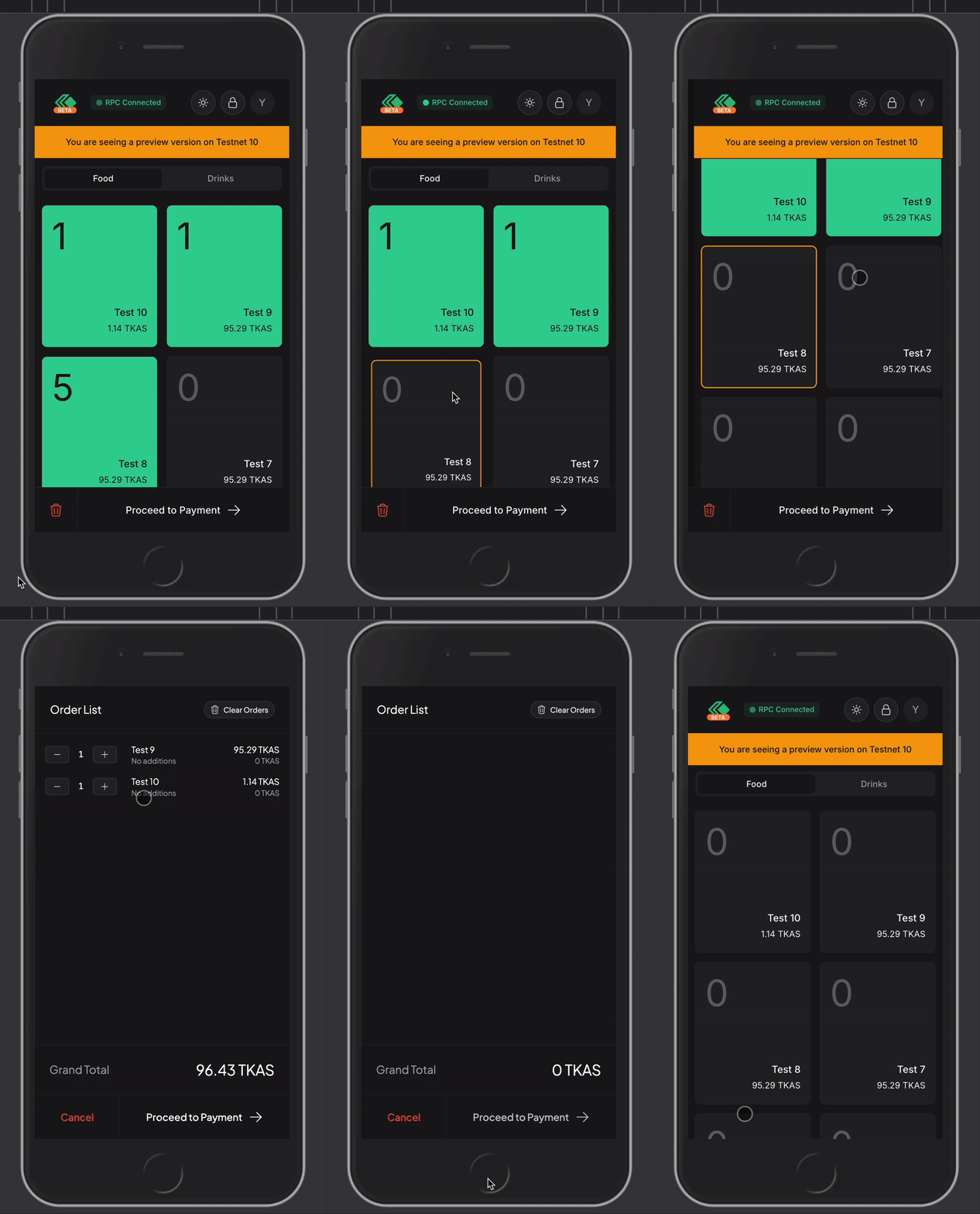
Removing Items
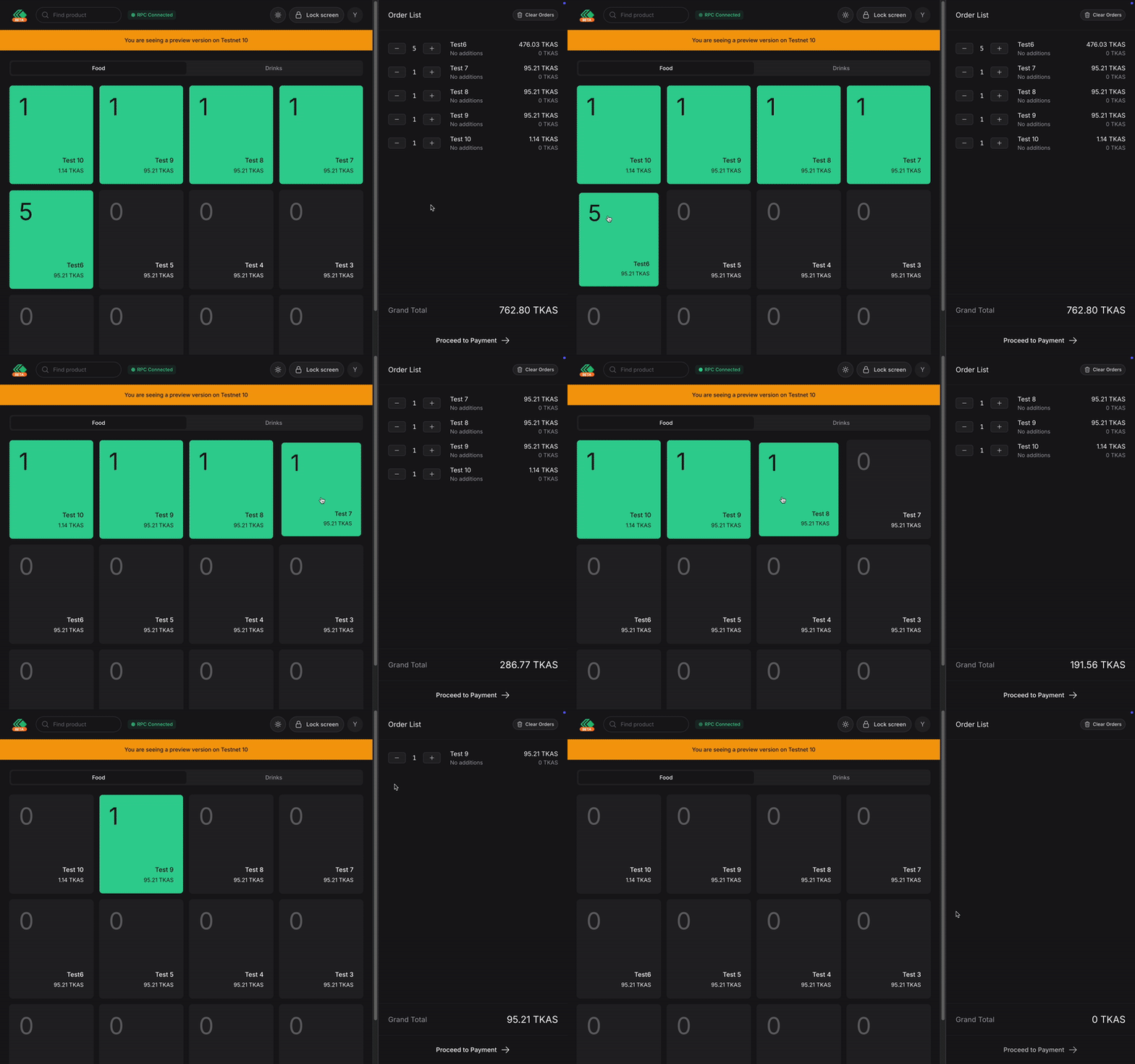
To remove items, simply tap and hold the green card. Or you can do it the other way using the - button on the order list until the quantity goes to 0.
On tablet and desktop, it should look like this.
On mobile devices, it should look like this.